 Reply Better AI
Write and reply better,
right where you type.
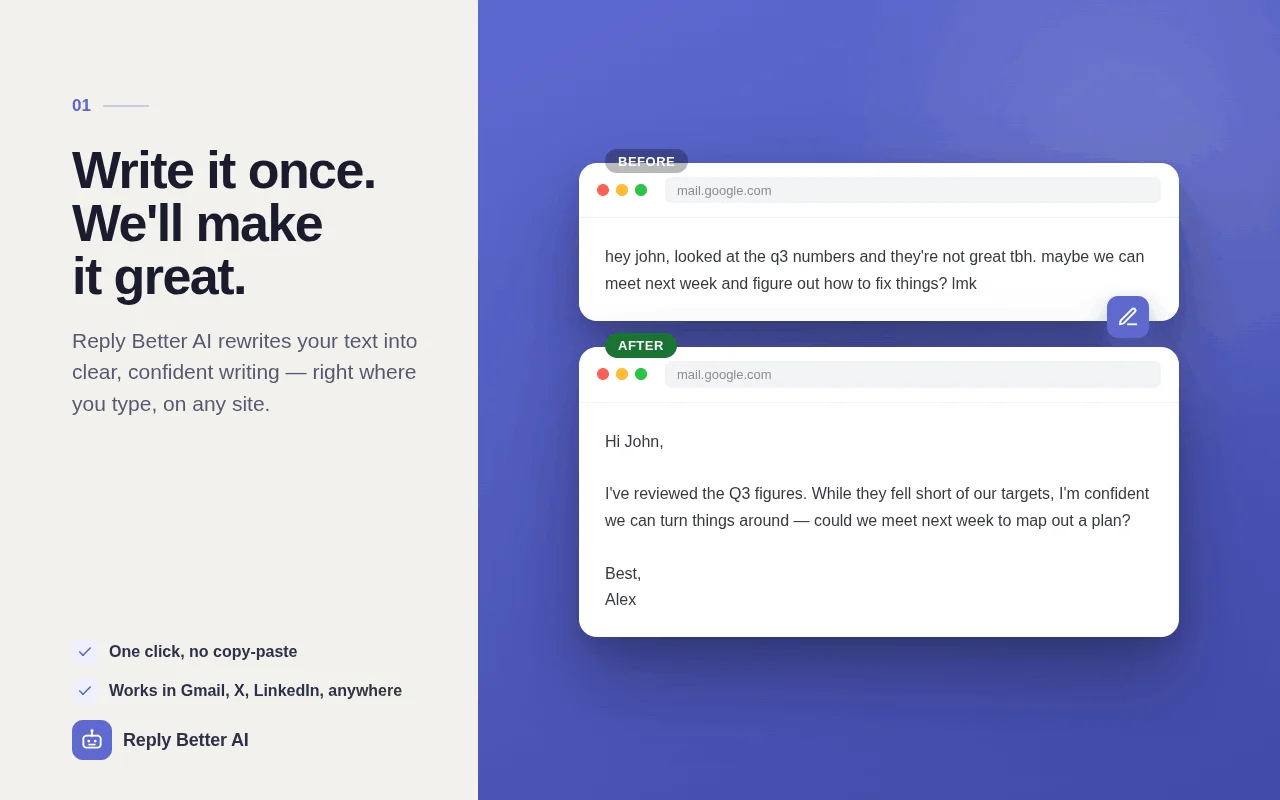
Select a message and get a reply in your tone, or polish your own draft with one click. No sign-up, no limits, and it can run entirely on your device.
No account, no limits
Install it and start writing. There is nothing to sign up for and no monthly quota to run out of.
Private by design
Run it on-device or on your own Ollama / LM Studio server and your text never leaves your computer. No servers, no analytics.
Stays out of your way
A small button appears only in real message boxes, not on every search field. Nothing gets covered, nothing pops up.
Select the conversation. Get a reply.
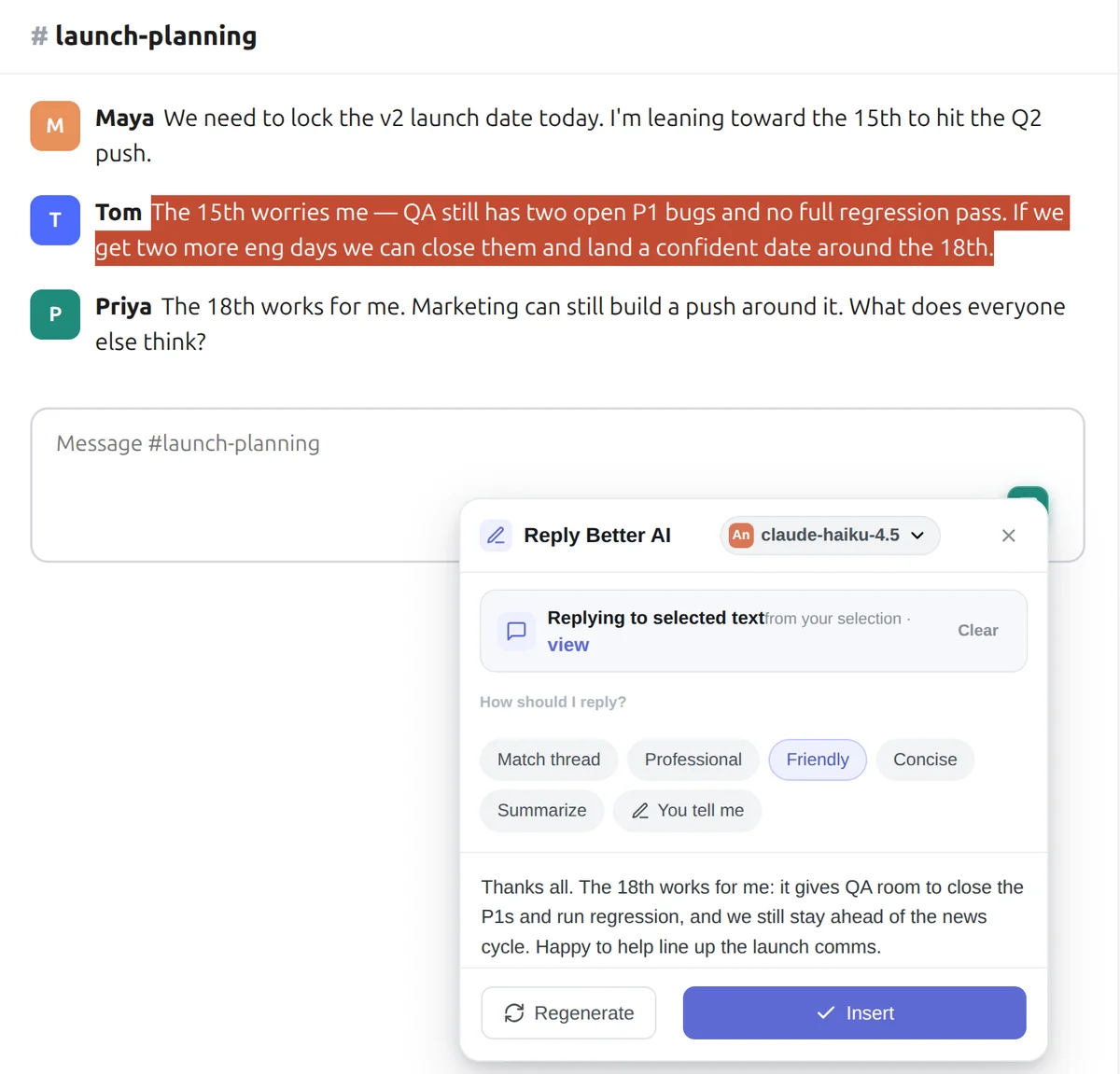
Highlight the message you're answering and pick a tone: match the thread, professional, friendly, concise. Or type what you want to say in any language and get a ready reply.
Polish your draft and see every change.
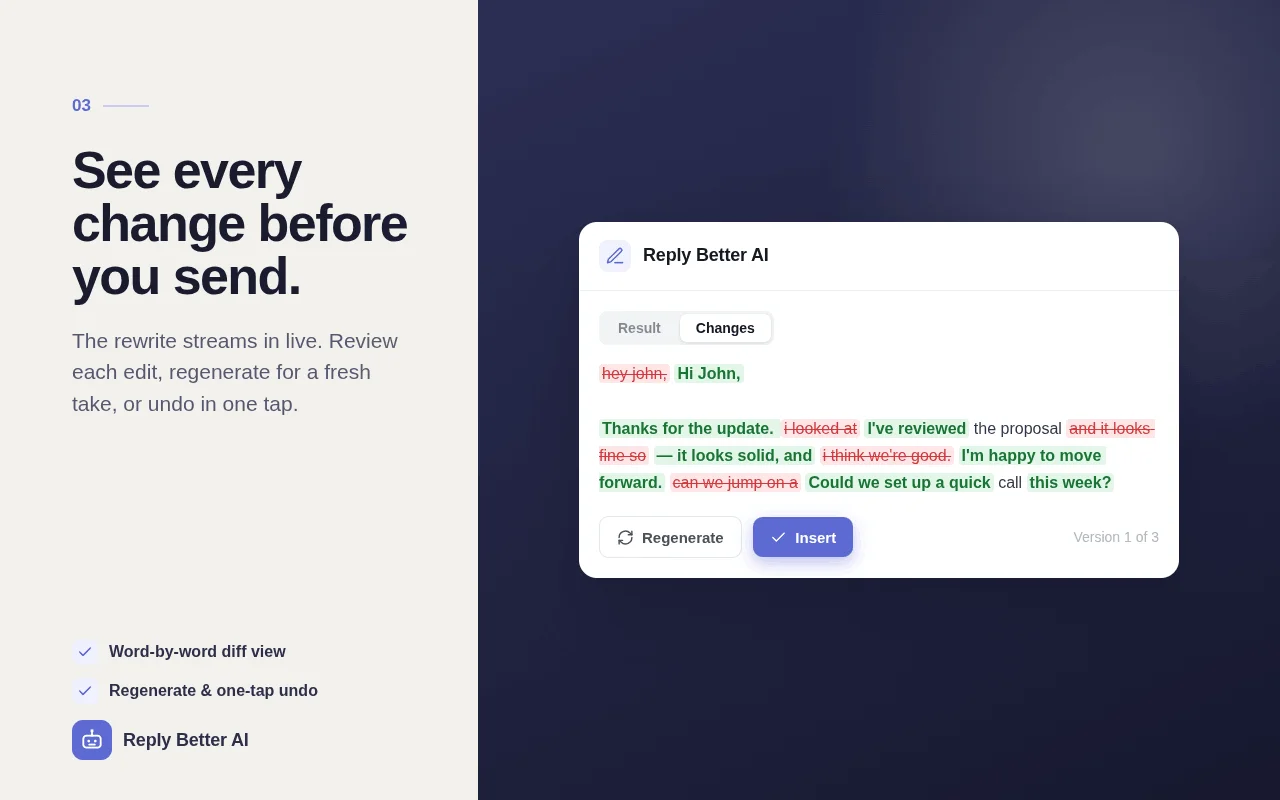
Type as usual, click the pencil, and get a clearer version. A word-by-word diff shows exactly what changed. Regenerate for another take, or undo in one tap.
Watch it in 60 seconds
Opens on YouTube. We don't embed it, so this page loads no third-party trackers.
Pick where your text is processed
| Engine | Cost | Setup | Where your text goes |
|---|---|---|---|
| On-device (Chrome's Gemini Nano) | Free | None | Stays on your computer |
| Local (Ollama, LM Studio) | Free | Your own model server | Stays on your computer |
| Groq | Free | Free API key, ~1 minute | Groq, with your key |
| OpenRouter | Free and paid models | Your API key | The model provider you pick |
Leave it on Auto and it uses the best engine available, falling back to the next one if needed.
Questions
Is it really free?
Yes. There is no account, no subscription and no usage cap. The default on-device engine runs on your computer, so it costs nothing to run. If you prefer a cloud model, Groq gives free API keys, and OpenRouter has free models too.
Do I need an account or an API key?
No account, ever. On Chrome desktop with on-device AI available, you don't need a key either. Otherwise you can paste a free Groq key in about a minute, or point it at Ollama or LM Studio on your own machine.
Which languages does it support?
Replies and rewrites work in any language with Groq, OpenRouter or a local model. Chrome's on-device model currently supports English, German, Spanish, French and Japanese; for other languages, use one of the other engines.
What happens to my text?
With on-device or local engines, nothing leaves your computer. With a cloud engine, only the text you select is sent, directly to the provider you chose, using your own key. We run no servers and collect no analytics.
Where does it work?
In regular text fields and editors on most websites: webmail, social networks, chat apps, support desks, CMS editors and more. Google Docs is not supported yet because it draws text on a canvas.
Which browsers?
Chrome and other Chromium browsers (Edge, Brave, Arc) through the Chrome Web Store, and Firefox through Firefox Add-ons.